Tracking Expenses Abroad When You Have No Signal
How to track spending on a trip with no data, foreign cash and three currencies — what breaks in a synced app, and what to set up before you fly.
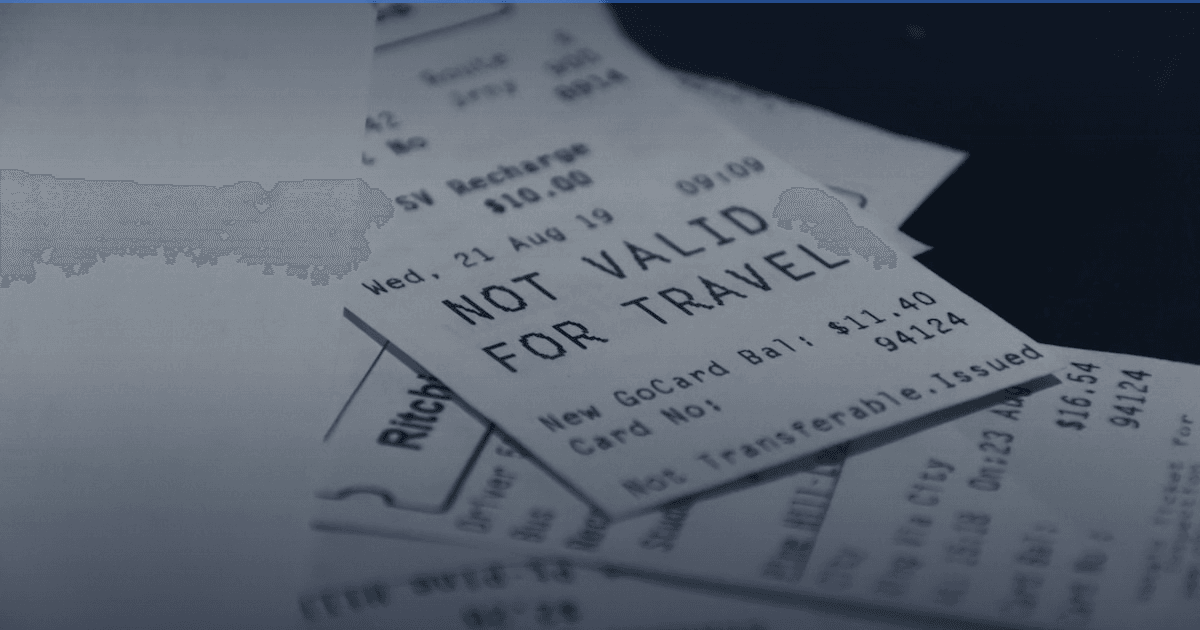
Travel is where expense tracking falls apart, and it falls apart in a specific, predictable way.
You land, your data plan is either off or expensive, and the app that has been quietly syncing your bank for months is now showing you a spinner. You pay for lunch in cash from an ATM withdrawal you have not logged. The receipt is in a language you do not read. By day four you have stopped bothering, and the trip becomes a hole in your records exactly where the unusual spending was.
Everything below is about closing that hole.
What actually breaks
Cash comes back. A trip is often the only week in the year when a real share of your spending is cash. In a bank-sync app, a €300 ATM withdrawal is one transaction called "cash withdrawal", and then €300 of actual spending is invisible. Your records will show that on Tuesday you spent nothing, which is not what happened. Connectivity is unreliable exactly when you need it. Flight mode, a foreign SIM that has not activated, hotel wifi that needs a browser login. If the app needs a server round-trip to open or to save an entry, this is when you find out. Currency stops being an afterthought. Two weeks, three countries, a card bill in your home currency, cash in another and a hotel quoted in a third. An app that assumes one currency will either refuse the entry or silently convert it at whatever rate it has cached, and you will not be able to reconstruct which. Receipts are hostile. Foreign shop names you will not recognise a week later, unfamiliar formats, and taxes broken out differently. A photo you file to deal with later is a photo you will not deal with later.Set this up before you fly
Check the app opens in flight mode from cold. Not "after it has synced" — properly cold. Switch on flight mode, force-quit the app, open it. Plenty of apps that advertise offline support are cloud apps with a cache, and they show a spinner or an error. Better to learn this at home. Make a cash account and fund it. When you withdraw from an ATM, record it as a transfer from your card account into a cash account, not as spending. Then each cash purchase comes out of that account. The withdrawal is not an expense; the coffee is. Set the currency per account, not per app. You want a cash account in the local currency and your card account in your home currency, so nothing gets converted before you have a chance to look at it. Convert at the end, once, when you know the rate the card issuer actually used. Decide your categories in advance. On a trip everything looks like "travel", which tells you nothing afterwards. Splitting accommodation, transport, eating out and everything else takes thirty seconds now and is the difference between a useful record and one number.Why receipt scanning earns its place here
At home, scanning a receipt saves typing. Abroad it does something more useful: it captures the transaction while you still know what it was.
You are handing over foreign cash, in an unfamiliar shop, for items you may not be able to name. That is the exact combination where "I will log it later" fails, because later you will have a note saying €18 and no idea whether it was groceries, a chemist or a gift. Scanning it at the counter takes the same three seconds regardless of what language the receipt is in, and the amount and date come off the paper rather than out of your memory.
An app that reads the individual line items has a further advantage on a trip, where a single receipt is often several different things — some food, some suncream, a bottle of wine — that you would otherwise file as one blob called "shop".
One caveat, and it applies to every scanner: this is the part that needs a connection. In Portofelo the photo goes to an OCR service, is read, and is not stored, and the line items come back to the phone. Everything else — entering by hand, budgets, reports — works with no connection at all. So the practical routine abroad is: enter cash by hand as you go, keep the paper receipts for the bigger shops, and scan them in a batch when you next have wifi.
A routine that survives a two-week trip
Log cash the moment you pay, by hand — it takes longer to decide to do it later than to do it now. Keep receipts for anything above a threshold you set yourself. Scan the pile in the evening if there is wifi, or on the flight home if there is not. Reconcile the cash account against what is actually in your wallet every few days; if it is out by more than a small amount, you missed something while it was still recent enough to remember.
That is the whole system. It survives because it does not require connectivity at the moment of spending, only at the moment of tidying.
Frequently asked questions
What is the best offline expense tracker for travel?
One that opens and saves with no connection at all, supports an account per currency, and lets you record cash as its own account. Portofelo, Money Manager, Monefy and Bluecoins all qualify on the offline test; they differ on multi-currency depth and on whether they can read a receipt for you.
How do I track cash spending while travelling?
Record the ATM withdrawal as a transfer into a cash account rather than as an expense, then log each purchase against that account. Check the account balance against your actual wallet every few days — the discrepancy is the spending you forgot, and it is much easier to place when it is recent.
How should I handle multiple currencies?
Hold each account in the currency it actually operates in and convert at the end, once, using the rate your card issuer used. Converting at entry time, at whatever rate the app happens to have cached, produces figures you cannot reconcile against your statement later.
Does receipt scanning work without an internet connection?
No, in essentially every app, because the image is read by a service rather than on the phone. The workaround is to keep the receipts and scan them in a batch when you have wifi. Manual entry, budgets and reports do work offline in a genuinely offline app.
Will my budget app still work on a plane?
Only if it is offline in the strong sense. Test it before you travel: flight mode, force-quit, open. If it needs a server to start, it is a cloud app with a cache, and it will not help you at 38,000 feet.
Where to go next
The general version of this article is budget apps that never ask for your bank login, and the test for whether an app is genuinely offline is in the best offline budget apps. If the receipt part is what interests you, budget apps with receipt scanning compares which ones read line items.
Head-to-heads: Portofelo vs Monefy and Portofelo vs Money Manager.
Checked August 2026.
I build Portofelo, an offline-first expense tracker for iPhone. I've spent more hours than I'd like to admit inside other people's budgeting apps, and I write about what actually works.
All articles by Elena Marek →Related articles
Start tracking your finances today
Portofelo makes budgeting and expense tracking effortless. Free to download.
Get Portofelo Free